
Dell Precision 450 and 650 Workstation User's Guide

The Dell Precision 450 and 650 Workstation User's Guide provides information on the features and operating instructions of the computer.
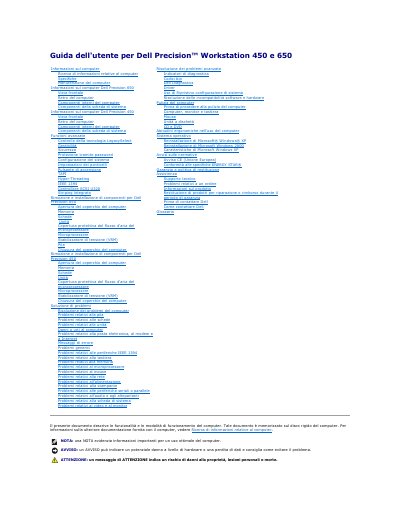

Dell Precision 450 and 650 Workstation User's Guide - cover page
Brand
DELL
Category
Desktops
Document type
User Manual
Language
Italian
Pages
154
File format
PDF
File size
4 MB
Published
22 November, 2023
Updated
22 November, 2023
MD5 checksum
B6AFDC39A8C86F761D3A205F5DA90027

About this manual

This document serves as the user guide for the Dell Precision 450 and 650 Workstations. It describes the computer's features and operating modes, providing instructions on how to use the system effectively. The guide is stored on the computer's hard drive and includes information on searching for additional documentation. This manual is written in Italian.

What's inside

  • Computer Information
  • Maintenance
  • Advanced Features
  • System Configuration
  • Power Button
  • Component Removal and Installation
  • Troubleshooting
  • Cleaning the Computer
  • Operating System
  • Warranty and Return Policy

Frequently asked questions

What do the four diagnostic lights on the front panel indicate?

The lights, labeled A, B, C, and D, can be yellow or green and their flashing patterns or steady states help identify computer problems.

What does a solid green power light mean during normal startup?

A solid green light indicates that power is present and the computer is functioning correctly, requiring no corrective action.

What should you do if the computer is in a power-saving mode?

Press the power button, move the mouse, or press a key on the keyboard to reactivate the computer.

Download PDF (4 MB)

More DELL Manuals


View all DELL manuals →