
The Dell™ OptiPlex™ 780 is an ultra-compact desktop computer that is designed to save space and provide powerful performance for everyday office tasks. It is also highly expandable, so it can be customized to meet the needs of different users.
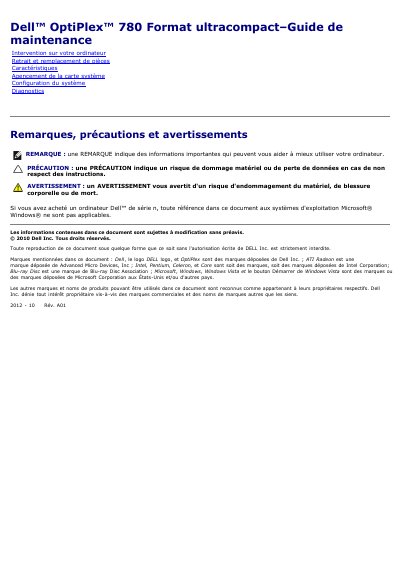
This document is a maintenance guide for the Dell OptiPlex 780 Format ultracompact desktop computer. It provides instructions for removing and replacing internal components, including the system board, hard drive, optical drive, and memory. The guide emphasizes safety precautions, such as discharging static electricity and ensuring the computer is powered off before opening the case. This manual is written in French.
| Processor Type | Intel Core 2 Duo, Intel Pentium Dual-Core, Intel Celeron Dual-Core |
|---|---|
| Memory Type | SDRAM DDR3 (mémoire non-ECC uniquement) |
| Maximum Memory | 4 Go |
| Power Supply | 180 W |
| Height | 23,7 cm (9,3 pouces) |
| Mass | 3,2 kg (7 livres) |
The guide recommends a small flathead screwdriver, a Phillips screwdriver, a small plastic point, and a BIOS flash update program support.
The maximum operating temperature is 35 °C (95 °F).