
Dell™ XPS™ M2010 Service Manual
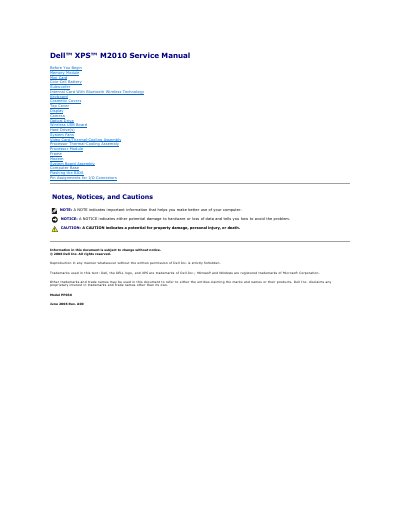
This service manual covers service procedures for the Dell XPS M2010 computer, including components such as memory modules, mini cards, the coin-cell battery, subwoofer, keyboard, cosmetic covers, top cover, display, camera, optical drive, wireless USB board, hard drives, system fans, video and processor thermal-cooling assemblies, processor module, frame, modem, system board, and computer base.
It also describes front and back panel connectors, diagnostic and power lights, network link indicators, audio connectors, USB and IEEE 1394 connectors, and safety notes, notices, and cautions.
| Model number | PP03X |
|---|---|
| Front USB 2.0 connectors | 2 |
| Back USB 2.0 connectors | 6 |
| Maximum indicated network speed | 1000 Mbps (1 Gbps) |
| LFE channel frequency | 80 Hz and below |
The front panel has two USB 2.0 connectors.
It may indicate an internal power problem.
A good connection exists between a 10-Mbps network and the computer.
It carries only low frequency information of 80 Hz and below.