
Overview of Intel® Active Management Technology v4.0 Administrator's Guide Product Overview Modes of Operation Installation and Configuration Overview Provisioning Methods Menus and Defaults MEBx Defaults Overview ME Configuration Menu AMT Configuration Menu MEBx Defaults Installation and Configuration Methods Overview Configuration Service MEBx Interface (Enterprise Mode) MEBx Interface (SMB Mode) System Deployment Operating System Drivers Intel AMT WebGUI Management AMT Redirection (SOL/IDE-R) AMT Redirection Overview Troubleshooting Troubleshooting If you purchased a Dell™ n Series computer, references to Microsoft®Windows® operating systems in this document do not apply.
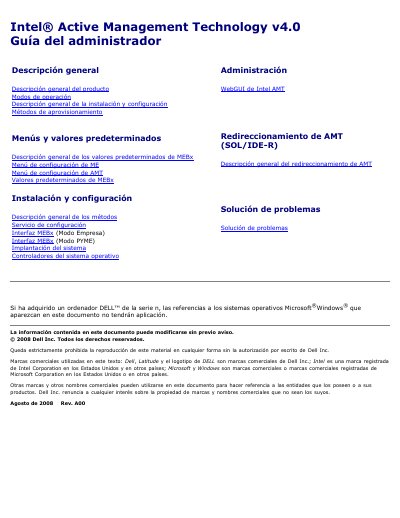
This Dell document is an administrator's guide for Intel Active Management Technology (Intel AMT) v4.0 on Dell computers. It describes out-of-band management capabilities, Enterprise and SMB operating modes, and the installation and provisioning process.
The guide also covers MEBx menus and default values, system deployment, operating system drivers, Intel AMT WebGUI administration, SOL/IDE-R redirection, and troubleshooting. This manual is written in Spanish.
Intel AMT can be configured in Enterprise mode or Small Medium Business (SMB) mode.
Dell computers have Enterprise mode configured as the factory default.
No, SMB mode is a simplified operating mode that does not support TLS.
The Intel AMT host name and the operating system host name must match.