
Sophos XG 105(w)/115(w)/125(w)/135(w) Quick Start Guide
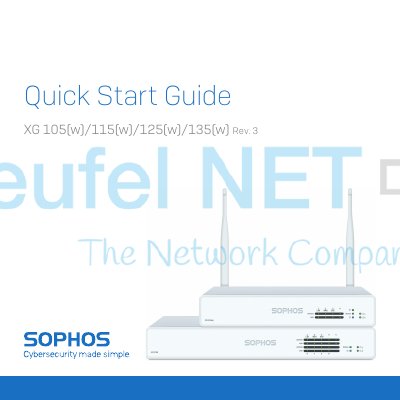
This Quick Start Guide describes the initial setup process for the Sophos XG 105(w), 115(w), 125(w), and 135(w) devices. It covers unboxing contents, mounting the appliance, and connecting the necessary cables for LAN and WAN networks. The guide also details how to power up the device and verify status LEDs.
| Ethernet Ports (XG 105w/115w) | 4 x GbE copper port |
|---|---|
| Ethernet Ports (XG 125w/135w) | 8 x GbE copper port |
| USB Ports | 2 x USB 2.0 |
| Default Admin Console Username | admin |
| Default Admin Console Password | admin |
| Default LAN IP Address | 172.16.16.16/255.255.255.0 |
The default IP address for the internal network card (Port 1/LAN) is 172.16.16.16.
Enter the management IP address in a browser, such as https://172.16.16.16:4444, and log in with the default credentials.
A blinking green Status LED indicates that the device is currently booting up.