
The Dell Chromebook 11 Quick Start Guide provides instructions on how to connect the power adapter, finish Chromebook setup, register your Chromebook, and explore resources.
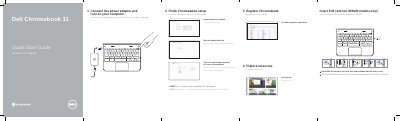
This quick start guide covers initial setup of the Dell Chromebook 11, including connecting power, completing Chromebook setup, registering the device, and exploring resources. It also lists device features and support contacts.
The guide identifies the computer model as Dell Chromebook 11-3120 and lists regulatory model P22T and regulatory type P22T001.
| Regulatory model | P22T |
|---|---|
| Regulatory type | P22T001 |
| Computer model | Dell Chromebook 11-3120 |
Register the Chromebook at dell.com/support/registration.
The computer model is Dell Chromebook 11-3120.
Product support and manuals are available at dell.com/support and dell.com/support/manuals.
Insert the SIM card on WWAN models only, and do not open the card-slot door without loosening the screw.