
The Dell™ Inspiron™ N4020/N4030 Manual provides information on how to use and maintain your Dell™ Inspiron™ N4020/N4030 laptop.
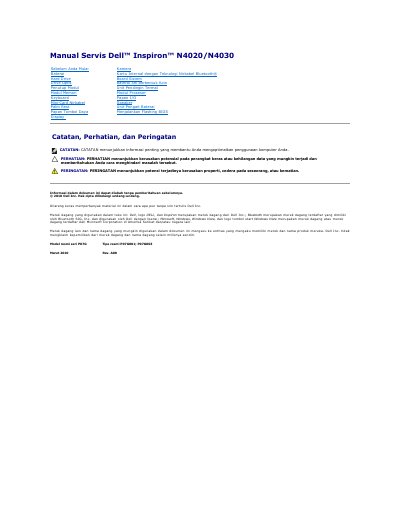
This document is a service manual for the Dell Inspiron N4020/N4030 laptop. It provides procedures for removing and reinstalling components such as the module cover and battery latch unit, along with safety precautions and preparation steps.
It also describes recommended tools, computer shutdown steps, precautions before working inside the computer, and instructions for running a BIOS flash update.
| Official series | P07G |
|---|---|
| Official type | P07G001; P07G003 |
The procedures may require a small flat screwdriver, Phillips screwdriver, plastic pry tool, and a runnable BIOS update program available at support.dell.com.
Click the Start button, then click Shut Down.
The Service Tag is located on the bottom of the computer.
Only qualified service technicians should perform repairs on the computer.