
Dell Vostro A100/A180 Desktop Service Manual

The Dell™ Vostro™ A100/A180 Service Manual provides information on how to disassemble and replace components in the computer.
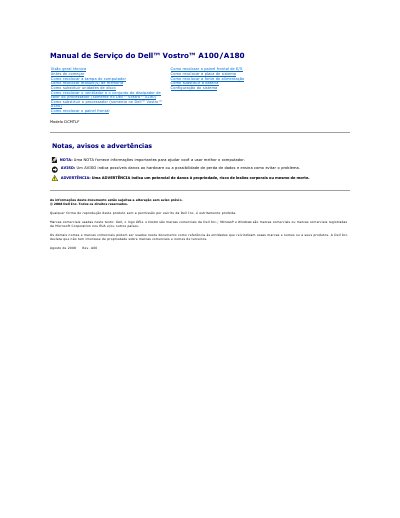

Dell Vostro A100/A180 Desktop Service Manual - cover page
Brand
DELL
Category
Desktops
Document type
Service Manual
Language
Portuguese
Pages
29
File format
PDF
File size
790 KB
Published
19 November, 2023
Updated
19 November, 2023
MD5 checksum
6B7A5097CD35A4C41C14A7908F48F04D

About this manual

This Dell service manual covers the Vostro A100 and Vostro A180 desktop computers and is written in Portuguese. It provides removal and installation procedures for internal components, together with safety instructions for technicians.

Topics include replacing the battery, computer cover, processor, and processor fan and heatsink assembly (Vostro A180 only), as well as turning off the computer, required tools, and system configuration.

What's inside

  • Antes de começar
  • Especificações técnicas
  • Ferramentas recomendadas
  • Como desligar o computador
  • Instruções de segurança
  • Como substituir a bateria
  • Como recolocar a tampa do computador
  • Como substituir o processador (somente no Dell™ Vostro™ A180)
  • Como recolocar o ventilador e o conjunto do dissipador de calor do processador (somente no Dell™ Vostro™ A180)
  • Configuração do sistema

Frequently asked questions

What tool is required for the procedures in this manual?

A small size 2 Phillips screwdriver is required.

Is processor replacement available for both the Vostro A100 and A180?

No, it applies only to the Dell Vostro A180.

What type of battery should be used when replacing the system battery?

Use only the manufacturer-recommended battery type or an equivalent.

Download PDF (790 KB)

More DELL Manuals


View all DELL manuals →