
The Dell™ OptiPlex™ 320 User's Guide provides information on the features and functionality of the Dell™ OptiPlex™ 320 desktop computer.
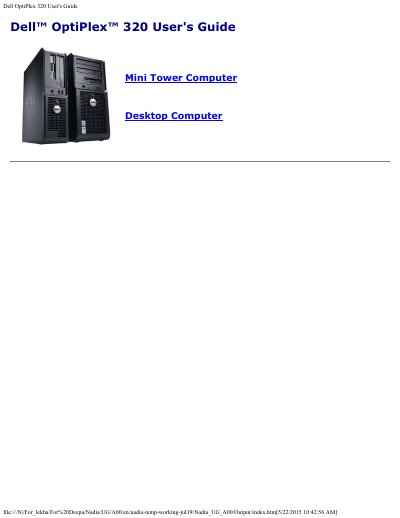
The Dell OptiPlex 320 User's Guide provides comprehensive instructions for Mini Tower and Desktop computer models. It details how to find information, including drivers and documentation, and explains how to set up the computer using Windows XP. The guide also covers advanced features and connecting multiple monitors.
The Dell OptiPlex 320 is a Mini Tower Computer Desktop Computer.
You use the Service Tag to identify your computer when you access the Dell Support website or call technical support.
You can insert a CD or DVD into the drive labeled as number 2, if the drive supports it.