
The Dell™ Vostro™ 1510 Service Manual provides information on how to disassemble and repair the Dell™ Vostro™ 1510 notebook computer.
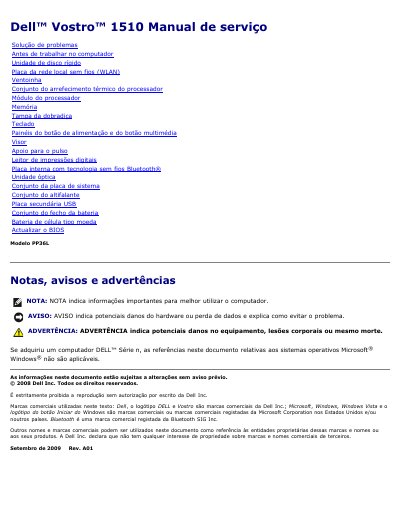
This document is a service manual for the Dell Vostro 1510 laptop, written in Portuguese. It provides instructions for troubleshooting hardware issues using diagnostic lights and the Dell Diagnostics utility. The manual details the steps for removing and replacing various internal components, including the hard drive, wireless LAN card, processor cooling assembly, and system board.
The lights indicate the status of Num Lock, Caps Lock, and Scroll Lock functions, or specific hardware failures like memory or processor errors.
Press and hold the
It is a series of initial tests for the system board, keyboard, display, memory, and hard drive that runs before the operating system loads.