
The Dell™ XPS™ L502X Service Manual provides information on how to use and maintain your Dell™ XPS™ L502X laptop.
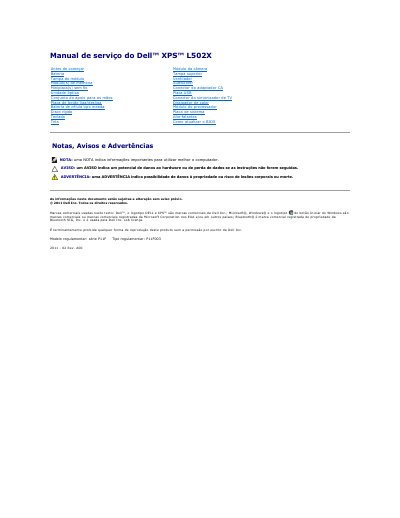
This service manual for the Dell XPS L502X laptop describes the procedures for removing and installing computer components. It opens with safety instructions and recommended tools, then covers shutting down the computer and working inside it, including battery removal and replacement and BIOS update instructions.
The manual provides step-by-step removal and replacement procedures for internal components such as the camera module, memory modules, keyboard, display assembly, hard drive, optical drive, fan, heat sink, processor module, system board, and speakers. This manual is written in Portuguese.
| Regulatory model | P11F series |
|---|---|
| Regulatory type | P11F003 |
| Document revision | 2011-02 Rev. A00 |
A small flat-head screwdriver, a Phillips screwdriver, a plastic scribe, and a BIOS update executable available at support.dell.com.
Turn the computer over, slide the battery release latch to the side, then lift the battery at an angle and remove it from its compartment.
Go to support.dell.com/support/downloads, locate the BIOS update file for your computer, download it to the desktop, then double-click the file icon and follow the on-screen instructions.