
The SUN-2232 is an Ethernet-powered IT environment monitoring and control device. It is designed for data center monitoring, but its technical characteristics allow it to be used in industrial process control and monitoring of environments such as warehouses and cold rooms.
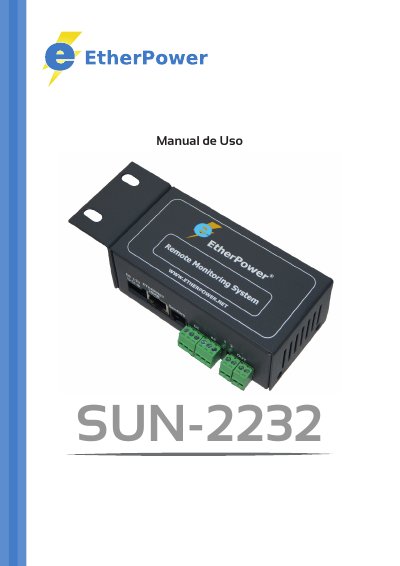
The EtherPower SUN-2232 is a monitoring and control unit designed for IT environments, specifically data centers, though its technical specifications allow for use in industrial process control and environmental monitoring such as warehouses and cold rooms. The device features an embedded web server for easy configuration and monitoring of digital inputs, analog inputs, relay outputs, and temperature/humidity sensors. This manual is written in Spanish.
| Power Supply | 12VDC / 0.5 A |
|---|---|
| Ethernet | IEEE 802.3, 10BASE-T / 10 Mbps |
| Network Protocols | TCP/IP, HTTP, SNMP, SMTP, SNTP |
| Operating Temperature | -20 to +70 °C |
| Analog Inputs | 2 channels, 0 to 60 V DC |
| Relay Outputs | 2 channels, 3A |
| Sensor Input | RJ11 connector for temperature and humidity sensors |
| Digital Inputs | 2 channels |
The default IP address is 192.168.2.2.
No, the device is designed for indoor use only.
It supports temperature and humidity sensors connected via an RJ11 connector.