
NOVA100 SERIES DIGITAL CONTROLLER ST190/180/170/160/140 Instruction Manual
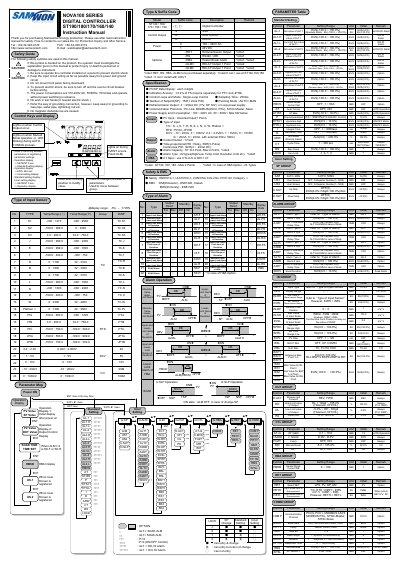
This document serves as the instruction manual for the Samwon Technology NOVA100 Series Digital Controller, specifically models ST190, ST180, ST170, ST160, and ST140. It details the controller's specifications, including supported input sensors (T/C, RTD, DCV), control outputs, and alarm types.
The manual provides comprehensive guidance on safety precautions, parameter settings for PID control and alarms, and communication protocols such as PC-Link and MODBUS. It includes tables for parameter maps and specific settings for various operational modes like Auto Tuning and Fuzzy control.
| Power Supply | 100 ~ 240V AC, 50 ~ 60Hz |
|---|---|
| Power Consumption | Max 6W |
| Sampling Time | 250ms |
| Control Loops | Single-Loop Control |
| PV Input | Universal Input(1 Point) |
| Control Output | 1 Point |
| Communication Protocols | PC-Link, MODBUS(ASCII, RTU), SYNC Master, Slave |
| Safety Standard | EN61010-1, UL61010C-1 |
The controller supports T/C types K, J, E, T, R, B, S, L, N, U, W, Platinel II and RTD types Pt100, JPt100.
Available protocols include PC-Link, MODBUS (ASCII, RTU), and SYNC Master/Slave.
The maximum power consumption is 6W.