
WhatsApp is an app you can use on your smartphone. It can be a useful way to stay in touch with people if you can’t see them face-to- face. You can have message conversations with one person or with a group of people. You can also use WhatsApp to have a phone call with a person or a group.
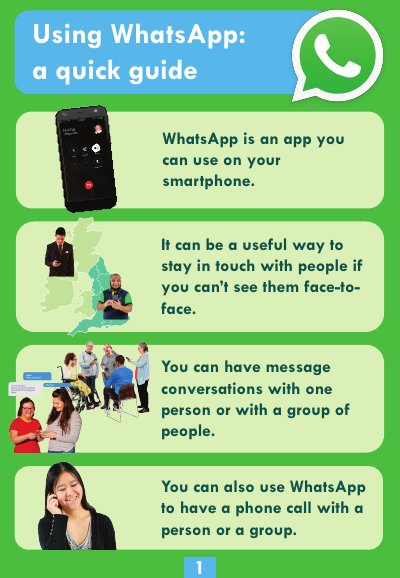
This document serves as a quick guide for using the WhatsApp application on smartphones. It explains that WhatsApp allows users to stay in touch via message conversations with individuals or groups, as well as through phone calls.
Download the app, agree to the questions, type in your phone number to receive a code, and enter your name.
Tap the 'New Chat' icon again, then select 'New Group'.
Tap the 'New Call' icon, then choose 'New Group Call' and select the people you want to include.