
Koblenz SS-540 USB Slim Surge Wall Tap User Manual

Koblenz Advanced Power Solutions surge suppressor user manual.
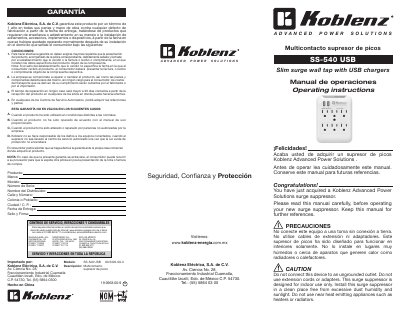

Koblenz SS-540 USB Slim Surge Wall Tap User Manual - cover page
Brand
Koblenz
Category
Other Electronics
Document type
User Manual
Language
English
Pages
2
File format
PDF
File size
2.7 MB
Published
18 November, 2023
Updated
18 November, 2023
MD5 checksum
C3B8DCD86A62A4255737AF37EBDE8419

About this manual

This manual provides operating instructions and safety precautions for the Koblenz SS-540 USB Slim surge wall tap. It details how to connect the device to a grounded 120V outlet and explains the function of the PROTECTED LED indicator light.

What's inside

  • Safety Precautions
  • Warranty Information
  • LED Indicator Lights
  • Connecting Equipment
  • USB Charger Specifications
  • Technical Specifications

Specifications

Outlets6
USB Charger Output2.4 A 5 Vdc
Joule Protection540
Noise Filtration40 dB
Voltage120 V~
Frequency60 Hz

Frequently asked questions

What does the PROTECTED LED indicate?

The green light indicates that the surge suppressor components are intact and providing complete protection.

What is the maximum total load for the outlets?

The total load of all outlets must not exceed 15 A.

Download PDF (2.7 MB)

More Koblenz Manuals


View all Koblenz manuals →