
The product is a smart connect single loop touch screen panel, with the following features: 1. Touch screen operation, convenient and quick 2. Support multiple languages 3. Strong scalability, can connect up to 128 loops 4. Built in battery, can still work when power off
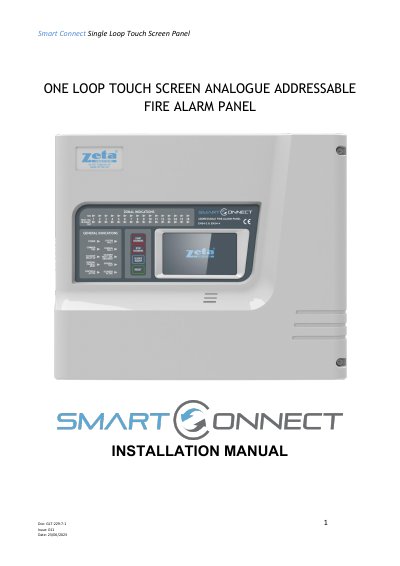
This manual provides installation instructions for the Smart Connect Single Loop Touch Screen Panel (Model GLT-229-7-1), an analogue addressable fire alarm panel. It covers essential topics including safety precautions, panel specifications, system design, physical installation, device connection, panel setup, and programming operations.
| Enclosure Size | 370 x 311 x 113 mm |
|---|---|
| Main Voltage | 230 V AC + 10% / - 15% |
| Battery Voltage | 2 x 12V SLA (27.6V DC @ 20 C) |
| LCD Display | 4.3" Resistive touch screen |
| Maximum Loop Length | 2 km |
| Maximum Number of Zones | 254 Zones |
| Maximum Loop Capacity | 250 Addresses |
The operating temperature range is 0ºC to 40ºC.
The panel uses 2 x 12V Sealed Lead Acid (SLA) batteries with capacities between 3Ah and 7Ah.
No, you must not plug the Smart Connect panel into a PoE Ethernet socket as it will damage the panel.