
The SureBatch system can be used to precisely meter the correct amount of chemical into your system. The batch can be remote initiated via a key fob or it can be initiated using the touch screen interface. All interfacing happens using the touch screen interface.
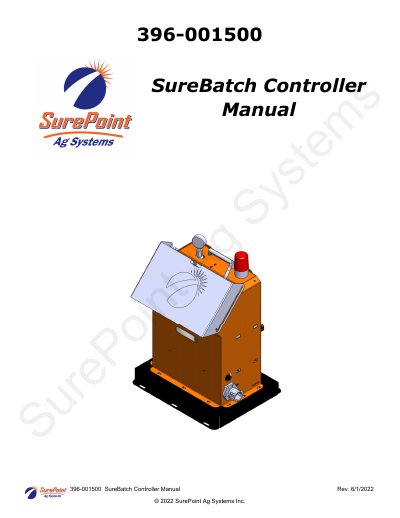
The SurePoint SureBatch 396-001500 is a controller designed to precisely meter chemicals into a system. It can be initiated remotely via a key fob or through its built-in touch screen interface. The device supports various liquid pumping options, including different flowmeters and pumps, and allows for configuration of flow rates and batch totals.
| Minimum output | 10 oz/min |
|---|---|
| Maximum output | 1.1 GPM @ 10 PSI |
| Flowmeter range | 0.08 to 1.6 GPM |
| Pump capacity | 2 GPM |
Press the START/STOP button on the RUN screen or use the remote key fob.
If the BATCH RESUME option is enabled, press the RESET BATCH button when the status lamp says IN PROGRESS and PUMP OFF.