
This amplifier is well-designed and manufactured, and can reproduce your favorite music faithfully and accurately.
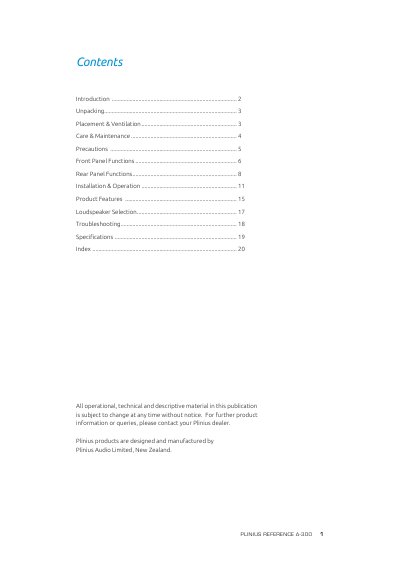
The Plinius Reference A-300 is a power amplifier whose manual covers unpacking, placement and ventilation, care and maintenance, precautions, front and rear panel functions, installation and operation, product features, loudspeaker selection, troubleshooting, and specifications.
The amplifier has a front-panel mute switch, a Class A/Class AB bias switch, and a power LED that indicates power-on and flashes during an error condition. The manual also states ventilation, safety, and cleaning precautions for the unit.
| Power output | Up to 1000 watts into 8 ohms |
|---|---|
| Mains power in Class A | Approximately 1,000 watts |
| Ventilation clearance | Minimum 400mm on all sides |
Press the Mute switch.
Press the Class A switch once for Class A and again for Class AB.
It indicates that power is on and flashes when an error condition occurs.
No, other audio components should not be stacked on top of the unit.