
Serie Illustra Flex Installation and Configuration Guide.
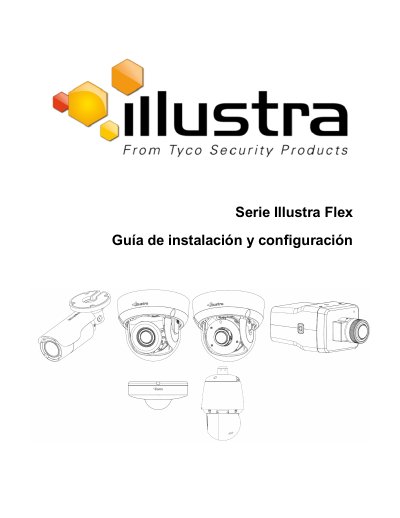
This document is the Installation and Configuration Guide for the American Dynamics Illustra Flex series of security cameras. It covers various models including 3 MP and 8 MP dome cameras for indoor and outdoor use, bullet cameras for exterior use, compact 3 MP minidome cameras, and 2 MP IR PTZ cameras for indoor and outdoor environments.
The guide details the physical installation procedures, network topology requirements, and configuration steps using the Illustra Connect tool. It includes instructions for setting up video, events, alarms, user management, and system settings, as well as information on local recording via MicroSD cards. This manual is written in Spanish.
| Default IP Address | 1.2.0.1 |
|---|---|
| Dome Camera Resolution | 3 MP and 8 MP |
| Bullet Camera Resolution | 3 MP and 8 MP |
| Minidome Camera Resolution | 3 MP |
| PTZ Camera Resolution | 2 MP |
The default IP address is 1.2.0.1.
You can manage the cameras using the Illustra Connect tool.
Yes, the device supports recording on its own MicroSD card.