
This product is a wireless headset with the following features: 1. Comfortable to wear, 2. Excellent sound quality, 3. Long battery life, 4. Easy to operate.
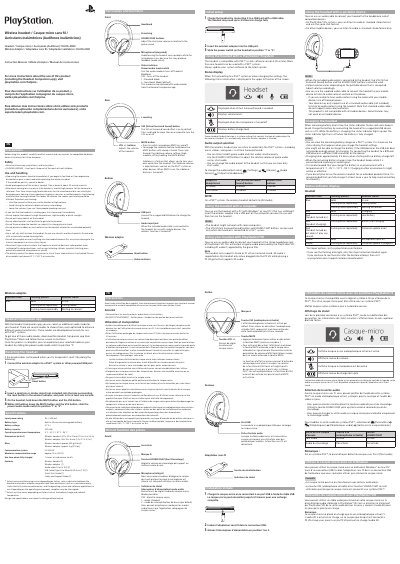
This manual explains how to use the PlayStation CUHYA-0080 wireless headset with the CUHYA-0081 wireless adaptor, including safety precautions, controls, charging, and connection to a PS4 system.
It also describes status indicators, audio output settings, use with a PC, PlayStation VR, and mobile devices, battery charging guidance, and steps for restoring the headset.
| Headset model | CUHYA-0080 |
|---|---|
| Wireless adaptor model | CUHYA-0081 |
| PS4 system software | Version 5.00 or later |
| Charging time | Approximately 3.5 hours from empty |
| Default audio mode | Bass Boost Mode |
| Virtual Surround Sound control | Press and hold the VSS button for more than one second |
| Sidetone volume settings | High, medium, off |
| Microphone mute | Press the MUTE button |
Charging takes approximately 3.5 hours when starting with no battery charge left.
The headset is compatible with PS4 system software version 5.00 or later.
Press and hold the VSS button for more than one second.
Press the MUTE button to switch microphone mute on and off.