
This product is a speaker with the following features: 1. Bluetooth connection, 2. Wall-mountable, 3. With remote control, 4. Can be connected to TV, MP3 and other devices.
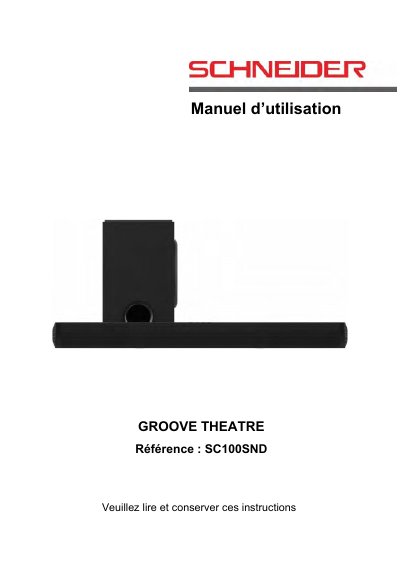
The Groove Theatre SC100SND is a Bluetooth soundbar with AUX, coaxial and optical audio inputs and a connection for an external subwoofer.
This user manual explains getting started, product and remote controls, TV, MP3 player and subwoofer connections, general operation, Bluetooth use, wall mounting, specifications and troubleshooting. This manual is written in French.
| Product name | Barre de son |
|---|---|
| Operating frequency | 2402 MHz to 2480 MHz (BT 2.1) |
| RF transmission power | 2 dBm W (power per channel) |
| Operating environment | 0 to 40 °C |
Connect the TV, DVD player, game console or decoder using an RCA-3.5 mm audio cable, or use a coaxial or optical digital connection.
Press and hold the play/pause button for five seconds to delete a connected Bluetooth device.
The remote control uses a CR 2032 battery.
Drill the marked holes, insert two screws leaving 5 mm between the screw heads and the wall, then fix the soundbar with the screws.