
This document describes the features and operation of the Baxter Mfg OV500 series ovens.
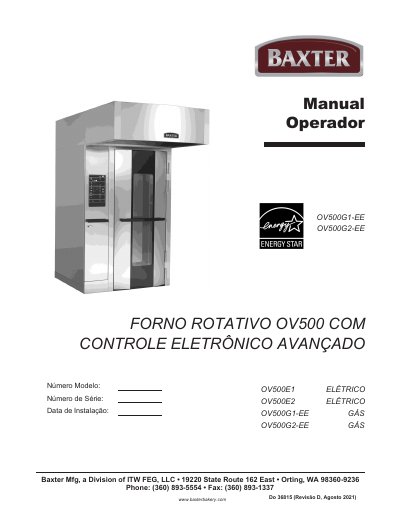
The Baxter OV500 series rotating ovens are designed for baking, toasting, and cooking with steam applications. The unit features an internal sliding rack mechanism that lifts and rotates during the baking cycle to ensure even heat distribution. The manual covers two specific models: the gas-powered OV500G1-EE (180,000 Btu/hr) and OV500G2-EE (275,000 Btu/hr), as well as the electric models OV500E1 and OV500E2. This manual is written in Portuguese.
| OV500G1-EE Input | 180,000 Btu/hr |
|---|---|
| OV500G2-EE Input | 275,000 Btu/hr |
| OV500E1 Input | 25.7 a 34.2 kW |
| OV500E2 Input | 38.5 a 51.3 kW |
| Max Product Load | 40.3kg |
| Operating Voltage | 220V 380V |
| Breaker Rating | 8,0A 6,3A |
| Cable Specification | 4x1,5mm² + 3x1,5mm² |
The maximum product load for baking inside the oven is 40.3kg.
The rack is lifted and rotated automatically by the mechanism during the baking cycle.
Turn off the unit at the general gas register and contact the gas supplier or local company for assistance.
Wait 30 minutes after the oven reaches the set temperature to load the steam system.