
The user manual introduces the features and functions of BW Space, including product overview, operating instructions, specifications, battery information and important safety information.
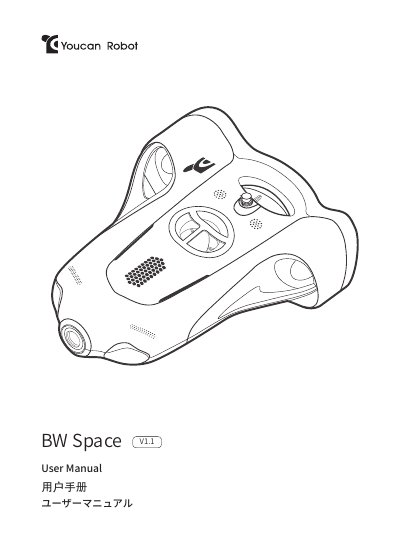
Youcan Robot BW Space is an underwater drone with a 4K UHD camera, adjustable LED lights, and a maximum dive depth of 100 m. The manual describes features such as image stabilization, 1080P real-time transmission, and up to 7 hours of battery life in light use.
It provides operating instructions for charging, quick start, retrieval, shutdown, app and WiFi repeater use, remote controller operation, sealing lubricant and sealing ring care, technical specifications, battery information, safety information, and contact details.
| Operating Temperature Range | 0-40 C (32-104 F) |
|---|---|
| Max. Speed | 1.5 m/s (4 kts) |
| Max. Depth | 100 m (328 ft) |
| Max. Flow Speed Resistance | 1.5 m/s (4 kts) |
| Battery Life (Normal Use) | 3 - 4 hours |
| Battery Life (Light Use) | 5 - 7 hours |
| Charging Time | 5 hours |
| Input | DC12V; 3A +/- 0.2A |
| Configuration | 2 Horizontal, 1 Vertical |
| Max. Forward Thrust | 3.0 kg |
| Max. Reverse Thrust | 2.5 kg |
| Max. Power | 150 W |
| Color | 90-CRI White |
| CCT Range | 6000-6500 K |
| Waterproof Cover | Glass |
It takes 5 hours for a BW Space mainframe to be charged full.
The maximum dive depth is 100 m (328 ft).
Battery life is 5 to 7 hours in light use.
The light is yellow when charging and turns green when charging is complete.