
This document is about the user manual of WFT08X remote control.
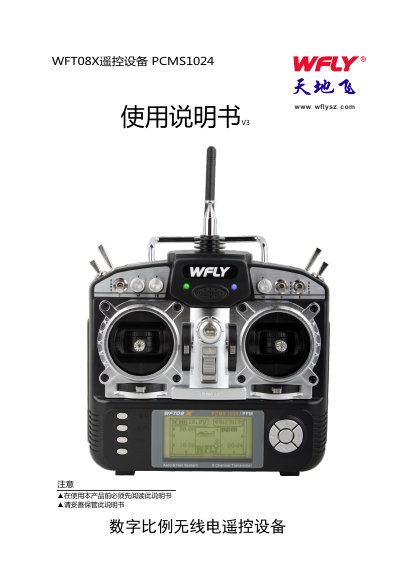
This WFLY WFT08X remote control user manual is for the WFT08X remote control. It lists the WFT08X transmitter configuration list, configuration diagram, input method and button labels, joystick head adjustment, and fixed-wing use function.
The manual also covers system settings, version information, parameter settings, and topics such as monitor, action size, reverse, rudder angle, auxiliary trim, throttle curve, fail-safe, timer, and advanced settings. It describes receiver connection methods, coach function instructions, special symbol instructions, and flight precautions. This manual is written in Chinese.
| Digital proportional R/C system | 12 bits |
|---|
The green LED is the power indicator and lights when the transmitter is on; the blue LED is the RF indicator and lights when RF is on and working. The RF indicator can turn off because no high-frequency head is inserted, the head is in code matching state, or the head is incompatible.
WFLY products are free warranty within one year from purchase through Shenzhen Tiandifei; within seven days, normal use quality issues may be replaced.