
This manual describes the use of the 32-inch HD TV BP3200HDV7100.
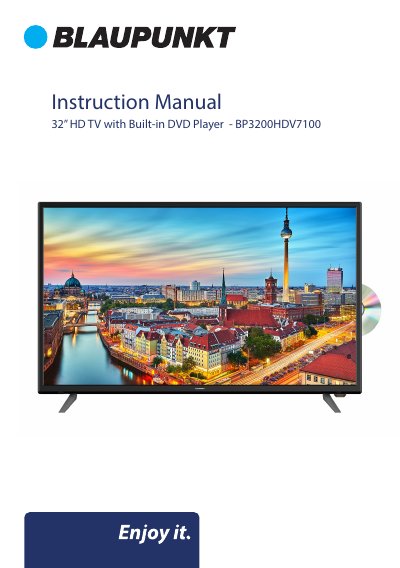
The Ayonz BP3200HDV7100 is a 32-inch HD television with a built-in DVD player. The manual provides safety instructions, installation steps for the included stand or wall mounting, and details on controls, connections, and remote control operation.
It explains basic operations, recording from TV to USB, media playback of video, music, and photo files, and menu settings for channels, picture, sound, locks, time, and setup. Specifications include 1366×768 resolution, 3000:1 contrast, 100-240V power, and Region 0 DVD playback.
| Display Device | 32" HD TV WITH BUILT-IN DVD PLAYER |
|---|---|
| Resolution | 1366 x 768 |
| Display Colours | 16.7M |
| Contrast Ratio | 3000 : 1 |
| Aspect Ratio | 16 : 9 |
| USB Movie Formats | avi/mpg/ts/mov/mkv/dat/mp4/vob |
| USB Music Formats | mp3/aac |
| USB Photo Formats | jpg/jpeg/bmp/png |
| Supported Discs | DVD, CD |
| Power Source | 100-240V ~ 50/60Hz |
| Power Consumption | 48W Max. |
| USB Power Output | 5V max. 500mA |
| Dimensions With Stand | 732 (w) × 191.3 (d) × 473.2 (h) mm |
| Dimensions Without Stand | 732 (w) x 88.9 (d) x 434 (h) mm |
| Weight Net | 4.3 kg |
| Weight Gross | 5.5 kg |
| DVD Region Code | Region 0 (factory set, cannot be changed) |
Place the TV screen-down on a soft surface, align the stand leg to the installation point, and tighten the supplied screws with a screwdriver. Do not apply excessive force.
The VESA wall mount pattern is 200 mm (width) x 100 mm (height).
Supported movie formats are avi, mpg, ts, mov, mkv, dat, mp4, and vob.
No, the built-in DVD player is set to Region 0 at the factory and cannot be changed.