
The CC100 Colony Counter is a high-precision, high-sensitivity colony counter that uses advanced optical imaging technology to quickly and accurately count colonies. The counter has the following features:
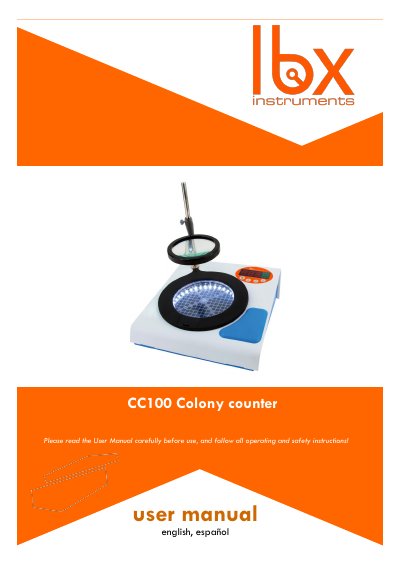
This manual provides instructions for the Labbox CC100 Colony Counter, a device designed for laboratory usage to count colonies on Petri dishes. It includes safety guidelines, inspection procedures, and assembly steps for the main unit, magnifier, and accessories. The document details the control panel functions, including normal and view modes for data storage and retrieval.
| Operating Environment Temperature | 5 ºC to 40 ºC |
|---|---|
| Operating Environment Humidity | 80% RH max |
| Voltage Fluctuation | ±10 % |
| Memory Capacity | 100 records |
| Warranty Period | 24 months |
The instrument is guaranteed for a period of 24 months from the date of invoice.
The main unit can store up to 100 records in memory.
The display will only show the record of the latest 3 batches.
Press and hold the EXIT key for 1 second when the display shows "000".