
The G-Track Pro is a professional USB microphone with audio interface capabilities. It features dual 1” ultra thin capsules with selectable polar patterns, onboard 24-bit 96kHz Analog-to-Digital converter and USB output. Plus, the G-Track Pro features a built-in audio interface with headphone output allowing you to connect your electric guitar or bass, keyboards, drum machines and just about any other signal source. The onboard mixer allows you set clean signals for recording by providing Instrument and Mic input level controls. In addition, the G-Track Pro employs a clever monitoring system allowing you to choose a variety of playback options for headphones or monitors with zero latency monitoring of the input signals.
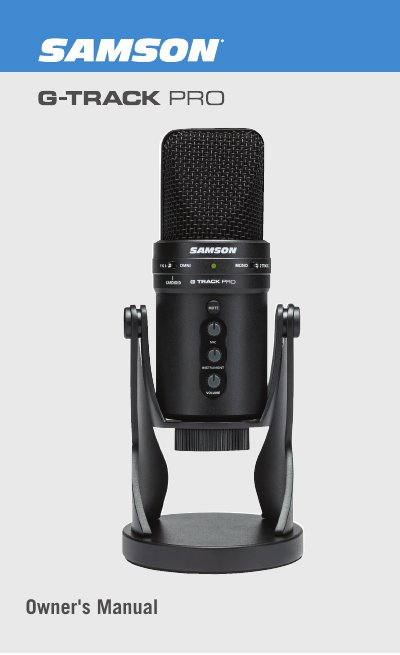
The Samson G-Track Pro is a professional USB microphone featuring dual 1-inch ultra-thin capsules with selectable polar patterns (omnidirectional, cardioid, and figure-8). It includes an onboard 24-bit 96kHz analog-to-digital converter and a built-in audio interface with a headphone output for connecting instruments like electric guitars or keyboards. The device allows users to record vocals and instruments simultaneously on separate tracks or mix them into a mono signal.
| Capsule Size | Dual 1-inch (25mm) diaphragms |
|---|---|
| Polar Patterns | Omnidirectional, Cardioid, Figure-8 |
| Resolution | 24-bit |
| Sample Rate | 96kHz |
| Instrument Input | 1/4" mono |
| Headphone Output | 3.5mm stereo |
The microphone supports omnidirectional, cardioid, and figure-8 pickup patterns.
Slowly raise the MIC or INSTRUMENT volume control until the CLIP indicator lights red, then turn it down until the light no longer lights red.
Yes, the manual provides specific instructions for connecting the device to Apple OSX systems.