
This is a user guide for a mobile phone. It introduces the basic operations, memory functions, menu functions, etc. of the phone.
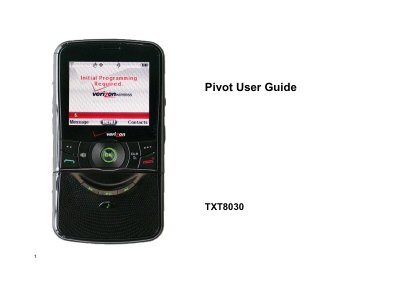
This user guide covers the Pivot TXT8030 cell phone, including the package contents, handset and key descriptions, display indicators, battery installation, charging, and the swiveling keypad.
It also explains basic operation, memory and menu functions, the media center, messaging, and safety and warranty information, including RF exposure, hearing aid compatibility, and hearing loss guidance.
| Model | TXT8030 |
|---|---|
| Network service | CDMA IS 95 and 1X |
| Memory expansion | microSD memory card |
| Keypad | Swiveling keypad with QWERTY interface |
| Warranty | 12 month limited warranty |
The package includes a wall charger, handset, standard battery, user guide, battery cover, and a quick reference guide.
Press and hold the END key to turn the phone on or off.
Insert a microSD memory card into the microSD card slot to increase memory capacity.
Press and hold the International Dial Key to enter a plus sign, which is reserved for international dialing codes.