
VP10 and VP11 video door phone user manual introduces the features and functions of the product.
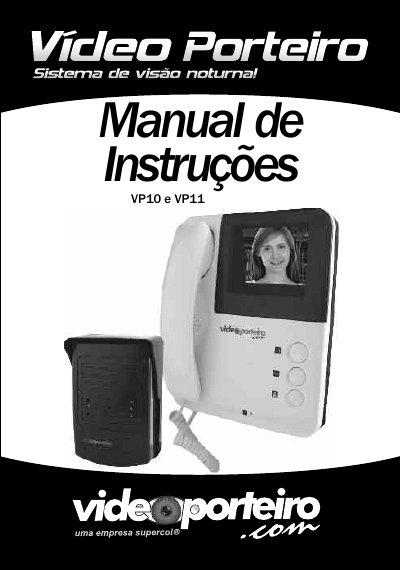
This manual provides instructions for the VideoPorteiro VP10 and VP11 video door phone system, which enables communication and visual verification of visitors at residences, offices, or businesses. The system includes an external panel with a camera and microphone, an internal monitor, and an optional electromagnetic lock for enhanced security. This manual is written in Portuguese.
| Power Consumption (Standby) | 4w a 7W |
|---|---|
| Operating Temperature | 10° to 50ºC |
| Minimum Distance from TV/Radio | 1 meter |
| Minimum Distance from Fluorescent Lamps | 30cm |
| Maximum Distance between External Panel and Internal Monitor | 100 meters |
The maximum distance between the external panel and the internal monitor is 100 meters.
No, the equipment should not be installed in high temperature areas or directly in the sun.
No, the VideoPorteiro company does not perform installations.