
This product is a speaker with the following features: 1. Portable design for easy carrying; 2. Bluetooth connectivity for wireless music playback; 3. Waterproof design for use in the bathroom; 4. Up to 12 hours of playtime.
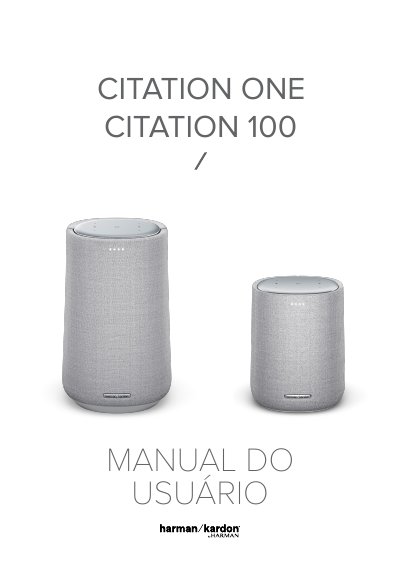
This manual provides instructions for the Citation CITATION 100 smart speaker, including important safety warnings such as verifying network voltage and avoiding the use of extension cords. It details the unboxing contents, product features, and step-by-step installation and setup procedures for connecting the device to power and a Wi-Fi network. This manual is written in Portuguese.
| Supported Audio Formats | HE-AAC, LC-AAC, MP3, Vorbis, WAV (LPCM), FLAC, Opus |
|---|---|
| Dimensions (CITATION 100) | 6.8 x 10.8 x 6.4 in / 172 x 275 x 163 mm |
| Weight (CITATION 100) | 5.9 lbs / 2.7 kg |
| Voltage Range | 100-240 V, 50/60 Hz AC |
No, the manual advises not to use extension cords to avoid safety risks.
Press and hold the RESET button for 5 seconds.
Ensure the speaker is not in a noisy or windy location and that the microphones are not muted.