
The SD-GSM Speech Dialler provides a means of communicating information over the telephone network. You can connect an external microphone to allow two way communication through the loudspeaker.
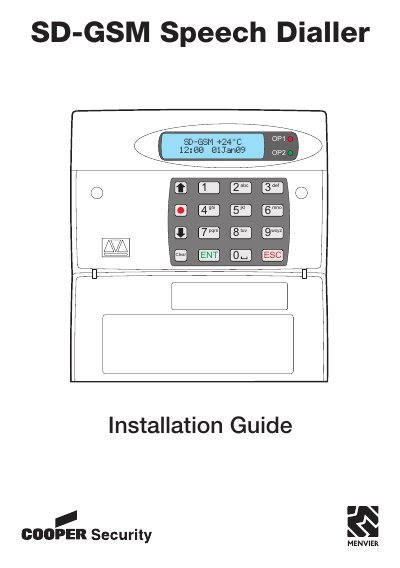
The SD-GSM Speech Dialler is a device designed to communicate information over the telephone network, either by connecting to an alarm control panel or operating in a standalone role. This guide details the physical installation process, including siting the unit and antenna, fitting the GSM module, and mounting the device securely.
| Supply voltage | 12 - 28VDC |
|---|---|
| Current consumption (Standby) | 50mA |
| Current consumption (Active) | 170mA |
| Trigger Inputs | Eight |
| Outputs | Four open collector switched-ve @100mA |
| Dimensions | 140mm x 115mm x 30mm |
| Weight | 360g |
| Operating environment | -10oC to +55oC |
The default user code is 1234.
Yes, the unit is not locked to any mobile phone provider and can accept normal SIM cards.