
This document is an English translation of the UOC40 and ERC40 configuration manual.
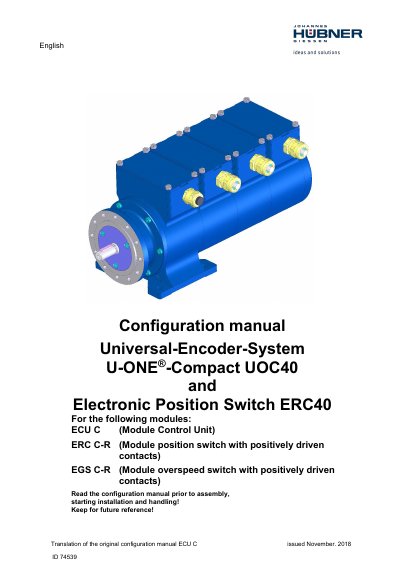
This manual provides instructions for configuring the Huebner U-ONE Compact UOC40 universal encoder system and the ERC40 electronic position switch. It covers the installation of the required US42Pro configuration software and driver setup for various Windows operating systems.
The document details the fundamental procedure for setting up the device, including connecting via USB, launching the software, and logging in. It explains how to use the software interface to import/export parameters, generate reports, and update firmware. Specific sections guide users through planning the application, calibrating the position system, and configuring specific modules like the ECU C, ERC C-R, and EGS C-R.
| Operating System | Windows XP SP3 / Vista / 7 / 8 / 8.1 / 10 |
|---|---|
| Free space on HDD | 150 MB (+ Dot Net Framework) |
| RAM | 1 GB |
| CPU | 1GHz |
| Screen resolution | 1024 x 768 |
The configuration software US42Pro is used to set the parameters of the U-ONE Compact and transfer the settings to the device.
Connect the device via USB, open the device manager, select 'JHG Dev', right-click to 'Update Driver', and browse to the installation path folder 'drivers'.