
WR-22 FM/AM/USB/Bluetooth Digital Radio User Manual
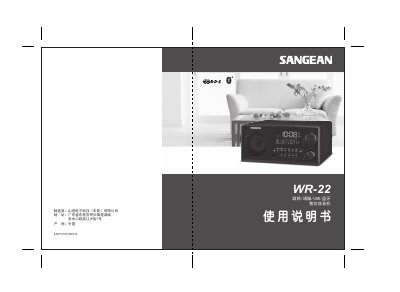
The WR-22 is a digital FM/AM/USB/Bluetooth radio with built-in speakers, an LCD display, USB playback controls, alarm functions, and a remote control. This manual describes its controls, power options, tuning and station memory, Bluetooth and AUX playback, tone and display settings, and specifications.
Power can be supplied from AC 220 V or DC 12 V. The radio has built-in AM and FM antennas, external antenna terminals, a 3.5 mm headphone jack, AUX input, and a subwoofer output. This manual is written in Chinese.
| Power supply | AC 220 V / 50 Hz / 14 W; DC 12 V / 1 A |
|---|---|
| Frequency range | FM 87.5-108 MHz; AM 522-1710 kHz (9 kHz) / 520-1710 kHz (10 kHz); Bluetooth 2.4-2.485 GHz class II |
| Output power | 7 W at 10% THD @ 100 Hz |
| Antenna system | AM built-in rod antenna; FM built-in wire antenna |
| External antenna connectors | AM external antenna terminal; FM F-type antenna terminal |
| Headphone jack | 3.5 mm stereo; 1 mW + 1 mW (32 ohm) |
| Audio input | 3.5 mm stereo; sensitivity in 350 mV, output 7 W @ 100 Hz; 47 kohm |
| Subwoofer output | Subwoofer out jack |
| Dimensions | 240 x 112 x 193.4 mm |
| Weight | 2900 g |
Press TUNING once; the frequency increases until it stops at a strong station.
Tune to the station, then press and hold one of the M1-M5 memory keys until it beeps and shows P with a number.
The radio speakers are automatically cut off.
Use a pointed object to press RESET on the bottom of the unit for a few seconds, then release.