
NB-IoT Dongle is an IoT product developed based on Huawei Haisi Boudica 150 chip module. It is small in size, easy to use, and can be connected to a computer or mobile phone via a USB interface for testing.
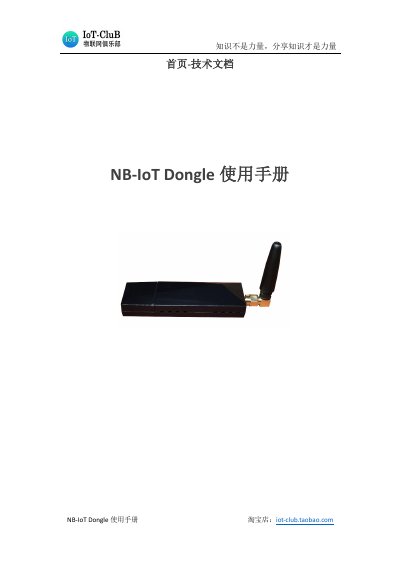
This document is the user manual for the NB-Dongle, a compact NB-IoT wireless communication module developed by Iot-Club based on the Huawei HiSilicon Boudica 150 chip. The device features a standard USB-A interface and supports OTG connections for mobile testing. It is designed to measure NB-IoT network parameters such as signal strength (RSRP, RSSI), quality (SINR, RSRQ), and location data across major Chinese carriers. This manual is written in Chinese.
| Dimensions | 84*25*17mm |
|---|---|
| Surface Material | ABS Plastic |
| Power Supply | 4.75V~5.25V |
| Transmit Power | 23dBm±2dBm |
| Sensitivity | -129dBm |
| Operating Temperature | -35°C ~ +75°C |
| Supported Systems | Windows, Android, Linux |
| Supported Bands | B1/B3/B8/B5/B20/B28 |
| Module Model | YongYuan BC28 |
The default baud rate for the module is 9600.
Send the AT command AT+CFUN? to check the status.
A CSQ value of 99 indicates that no signal has been acquired.
The command AT+NUESTATS is used to query signal quality parameters.