
The ES46xx embedded image scanner is a high-performance, low-cost barcode scanning module suitable for various applications. It has the following features:
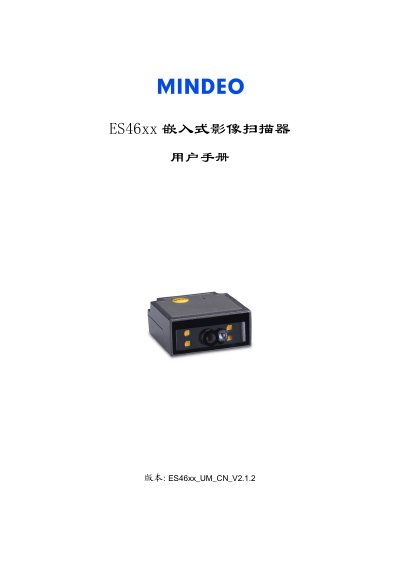
This document is the user manual for the ES46xx series of embedded image scanners. It covers two specific models, the ES4600 and the ES4620, detailing their physical components, electrical connections, and installation requirements. The guide explains how to configure the device using barcode scanning or serial/USB commands. This manual is written in Chinese.
| Dimensions (ES4600) | 43.5 mm x 41 mm x 20.7 mm |
|---|---|
| Dimensions (ES4620) | 43.5 mm x 41 mm x 19.0 mm |
| Weight (ES4600) | 73.5 g |
| Weight (ES4620) | 75 g |
| Input Voltage | DC 5±0.25V |
| Image Resolution | 752 x 480 pixels |
| Operating Temperature | -20°C to 55°C |
| 2D Barcodes Supported | PDF417, QR Code, Data Matrix, Aztec, etc. |
Scan the specific barcode provided in the manual to restore all parameter values to factory settings.
The device operates between -20°C and 55°C (for ES4600) or -30°C and 55°C (for ES4620).