
This product is an intelligent electronic pressure sensor with hysteresis function, window function, analog output and other characteristics.
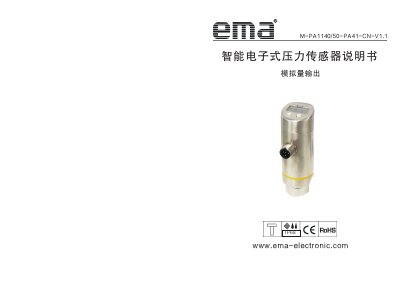
The document provides instructions for the EMA Electronic M-PA1140/50-PA41-CN-V1.1 intelligent electronic pressure sensor. It details the device's features, including dual outputs (switching and analog), display modes, and parameter settings for hysteresis and window functions. The guide explains how to operate the device in working, display, and setting modes using the MODE/ENTER and LEARN/SET keys. This manual is written in Chinese.
| Protection Rating | IP68 |
|---|---|
| Response Time | <3 ms |
Press and hold the LEARN/SET key, then press and hold the MODE/ENTER key for 10 seconds until 'ULC' is displayed.
It keeps the output stable when the system pressure is close to the preset value, switching at SP1 when pressure increases and at rP1 when it decreases.