
The Hansgrohe RainBrain shower system is easy to operate thanks to its innovative touch display. On the colour display, you can read all the important information at any time, such as: • Active showers • Set water temperature • Time • Active music track • User • Shower program • Light
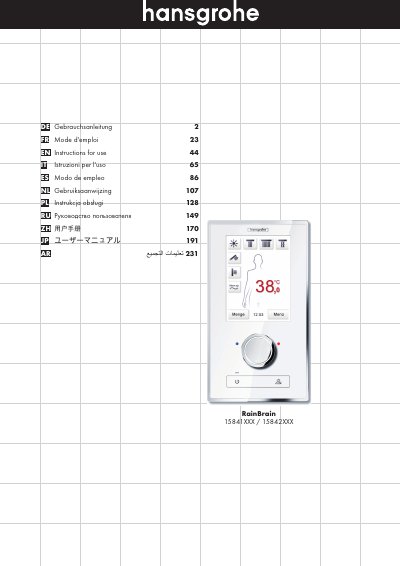
This document serves as the multi-language user manual for the Hansgrohe RainBrain shower system, specifically models 15841XXX and 15842XXX. It details the operation of the touch display and rotary dial, explaining how to control water temperature, volume, and active shower heads. The guide covers essential functions such as the 'Warm up' feature, user profiles, and specific shower programs like 'Wechseldusche' (alternating shower) and 'Kaskade' (cascade). This manual is written in German.
| Temperature range | 5 °C to 60 °C |
|---|---|
| Default scald protection | 42 °C |
| Temperature step | 0.5 °C or 1 °F |
| Warm up duration | max. 90 sec |
| Maximum active shower heads | 3 |
| Maximum users | 4 |
You can adjust the temperature using the rotary dial by turning left to lower or right to raise it, or by tapping the number on the display.
The default scald protection is set to 42 °C (108 °F).
The warm-up process can last up to 90 seconds.
Yes, you can create up to 4 users, each with individual settings for water volume, temperature, and music.