
The manual of New Generation SK4/SK6 operation panel key function, introduces the functions and usage of SK4/SK6 operation panel keys.
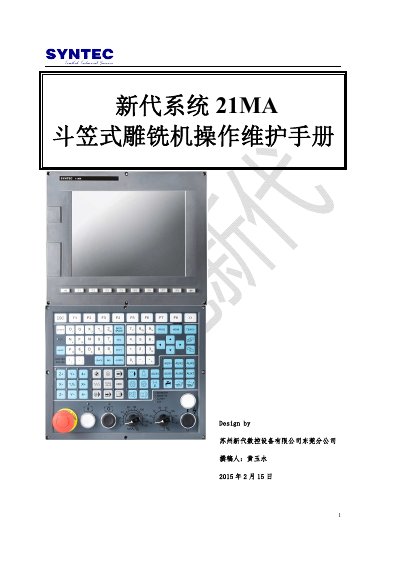
This manual provides operation and maintenance instructions for the Xindai 21MA斗笠式雕铣机 (Engraving Milling Machine). It details the functions of the SK4/SK6 operation panel keys, including power control, emergency stop, and various machining modes.
The document also covers system configuration and troubleshooting, including M-code explanations, FTP networking methods for IP address settings, external parameter descriptions, and explanations for system PLC alarms and Yaskawa servo driver alarms. This manual is written in Chinese.
It is described as an umbrella-type engraving milling machine.
After the power supply is connected, press the power on key; the machine powers up and the controller starts.
All electromechanical controls trip, the controller enters the not-ready state, servo and spindle drive enable signals are removed, and coolant and tool magazine equipment shut off.
During automatic machining, M07 turns coolant on and M09 turns it off.