
The GP-Pro EX Reference Manual describes how to display and operate indicator lights.
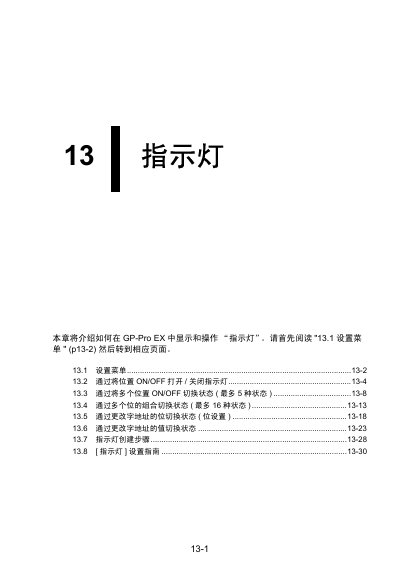
This document is chapter 13 of the GP-Pro EX reference manual and deals with the lamp (indicator) part used on GP displays. A lamp shows the ON/OFF status of a controller or PLC bit address in different colors, and the chapter presents the setting menu together with each way a lamp can be made to change state.
Separate sections describe switching a lamp by a single bit address, by up to four different bit addresses (up to 5 states), by combinations of multiple bits (up to 16 states), by the bits of a word address, and by the value (0 to 255) stored in a word address. The chapter closes with the lamp creation procedure and the [Lamp] settings guide, which covers font types, text attributes, display colors, blinking and label position settings. This manual is written in Chinese.
| Bit addresses used for multi-state switching | 4 different bit addresses |
|---|---|
| Maximum states for multiple-position switching | 5 states |
| Maximum states for bit-combination switching | 16 states |
| Word address value range | 0 to 255 |
| Standard font size range | 8x8 to 64x64 pixels |
| Vector font size range | 6 to 127 pixels |
| Fixed font sizes | 6x10, 8x13 or 13x23 pixels |
| Line spacing setting range | 0 to 255 |
A single lamp can show the ON/OFF status of four different bit addresses in different colors, giving up to 5 states.
Up to 16 states, based on combinations of up to four bit addresses.
The lamp can show the value stored in one PLC word address, from 0 to 255, and change color according to that value.
Standard fonts run from 8x8 to 64x64 pixels, vector fonts from 6 to 127 pixels, and fixed sizes of 6x10, 8x13 or 13x23 pixels can be selected for standard fonts.