
Unimed PACS Web Viewer is a PACS system that allows doctors and patients to access and view medical images.
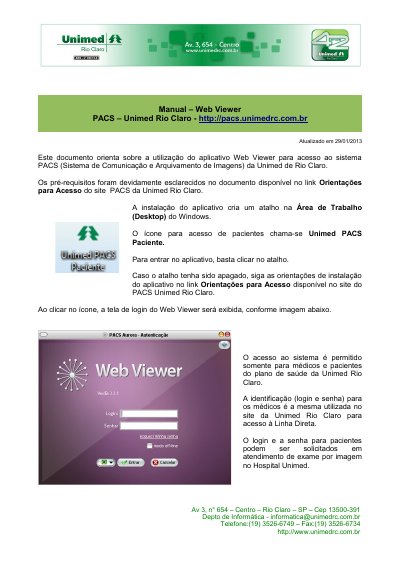
This manual explains how to use the Web Viewer application to access the PACS (Picture Archiving and Communication System) of Unimed Rio Claro. It covers the desktop shortcut, the login screen, and notes that access is permitted only for physicians and health plan patients of Unimed Rio Claro. Physician logins are the same as those used for the Linha Direta on the Unimed Rio Claro website, while patient logins can be requested at the imaging exam service at Hospital Unimed.
The guide then walks through searching for exams by modality and period, opening an exam and choosing between the standard layout (one image) and maximum layout (two images), and using the viewing toolbar with functions such as zoom, windowing for brightness and contrast, measurement tools, color palettes and restoring the original image size. It also describes viewing the medical report (laudo) when available, minimizing or closing the application, and contacting technical support at (19) 3526-6749. This manual is written in Portuguese.
Access is permitted only for physicians and health plan patients of Unimed Rio Claro.
Physicians use the same login and password they use on the Unimed Rio Claro website to access Linha Direta.
Press and hold the left mouse button and move it across the screen to enlarge or reduce the displayed image.
The original and updated file can be obtained on the Unimed PACS website by clicking the Manual option, and technical support is available at (19) 3526-6749.