
The RaceChip GTS Black is a digital tuning chip that is specifically calibrated for your vehicle. It can increase engine power and torque while reducing fuel consumption. The chip has multiple tuning stages that you can select via the digital user interface.
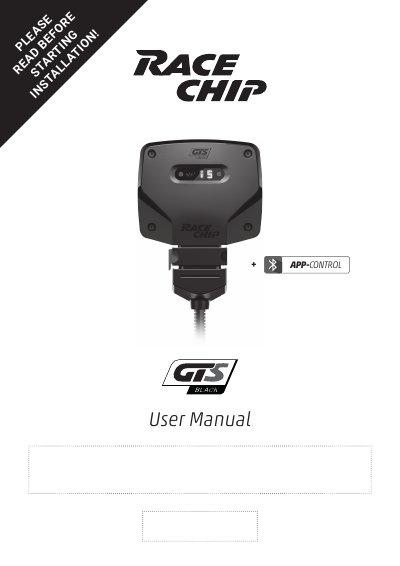
The RaceChip GTS Black is a digital tuning chip calibrated specifically for the vehicle. This APP-CONTROL user manual explains the scope of delivery, the Digital User Interface, and use of the RaceChip App for controlling the chip.
It walks through installation in seven steps, including preparation, engine cover removal, connection to the common rail sensor, a first function test, and fixing the RaceChip and wiring harness. It also covers operation with tuning stages, troubleshooting topics such as soot, starting problems, fuel savings and Bluetooth pairing, and contact details.
| Tuning stages | EFFICIENCY, SPORT, RACE |
|---|---|
| Connectivity | Bluetooth |
| Deactivation plug | Returns the engine to stock tune |
| Wiring harness | Automobile-grade, compatible with your vehicle |
| Display | Shows the selected tuning stage |
The deactivation plug returns your engine to stock tune.
The app shows three tuning stages: EFFICIENCY, SPORT and RACE.
Switch on the car's ignition, confirm the Bluetooth indicator is on, activate Bluetooth on the smartphone, and select “RaceChip” from discoverable Bluetooth devices.
De-install the wiring harness so the car's connections are as they were before, lock the car and wait about 30 minutes before trying to start the engine again.