
This document describes the features and characteristics of the coin acceptor Genius CA168.
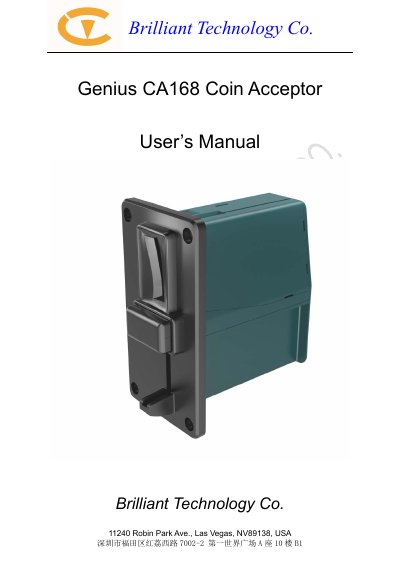
The Brilliant Technology CA168 is a multi-coin validator that accepts worldwide major coins with a validation speed of four coins per second. It operates on a wide DC voltage range of 7.5 V to 36 V, consumes less than 10 mA in standby, and fits in a compact 118 mm × 63 mm × 111.3 mm housing.
The manual details electrical specifications, wire harness pinouts for pulse and TTL interfaces, DIP switch configuration for operation modes and coin channel learning, installation steps, maintenance procedures, troubleshooting via bezel LED flash codes, and dimension drawings.
| Dimensions | 118mm (H) × 63mm (W) × 111.3mm (D) |
|---|---|
| Weight | 210g |
| Operating voltage range | DC 7.5V–36V |
| Operating voltage (nominal) | DC 12V, 24V |
| Operating current | < 0.5 A |
| Standby current | < 10 mA |
| Operating temperature | 0°C to +60°C (32°F to 140°F) |
| Storage temperature | -20°C to +70°C (-4°F to 158°F) |
| Coin validation speed | 4 coins per second |
| Maximum coin width | 29 mm |
| Maximum coin thickness | 3.2 mm |
| Validation rate | >98% |
| Acceptance rate | >98% |
| Firmware upgrade | On-line upload |
The CA168 operates on a wide DC voltage range from 7.5 V to 36 V.
The validator can process up to four coins per second.
Red and blue LED flashes indicate specific errors such as coil errors, sensor errors, or database errors.