
The FOX-D1 is a universal digital display that shows the current battery voltage and the charging/discharging current.
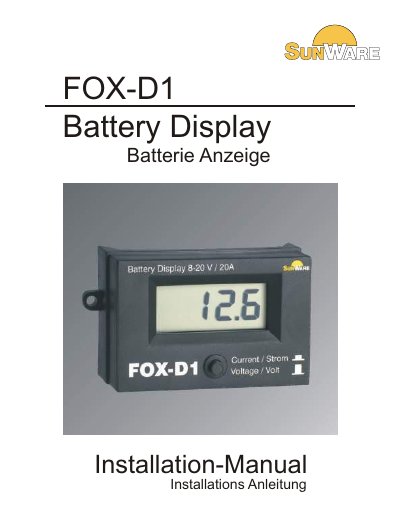
The Solar Technik FOX-D1 is a universal digital display designed to show battery voltage and charging or discharging current. It features a push-button switch on the front to toggle between voltage and current modes and is suitable for 12V and 24V battery systems. The device operates continuously due to its very low power consumption of 1.8 mA. This manual is written in German.
| Voltage range | 8V - 48V |
|---|---|
| System voltage | 12V and 24V |
| Current range | +/- 20A |
| Power consumption | 1,8 mA (at 12V) |
| Dimensions | 100 x 56 x 44 LWH |
| Connector type | AMP 6,3 mm |
The display shows a voltage of 10.0V until 14.4V (28.8V) for 12V systems.
Use the push button located below the display to select between the two modes.
A negative sign signals that a discharging current is flowing from the battery to the consumers.