
The CAS Robot Navigation Toolbox is a tool to do localization and SLAM off-board and off-line with sensory data which have been previously recorded with a robot. The toolbox has been designed to be general with respect to the choice of the feature representation, the robot and the sensor models. This simplifies the task of exchanging and comparing different approaches.
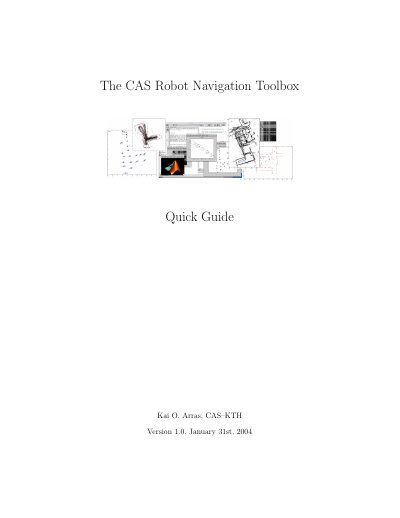
The CAS Robot Navigation Toolbox is a Matlab toolbox for localization and SLAM performed off-board and off-line with sensory data previously recorded with a robot. Version 1.0 is feature-based and is designed to be general with respect to the choice of feature representation, robot model and sensor model.
The quick guide explains the three-layer toolbox structure, initialization of a Matlab session, and how to obtain help for files and objects. It also covers the toolbox license, system requirement, feedback address and basic examples for creating and drawing map, robot and feature objects.
| Version | 1.0 |
|---|---|
| Required software | Matlab version 6 or greater |
| Additional Matlab toolboxes | None required |
| License | GNU GPL |
| Dimensional support | 2D only |
| Default method | Extended Kalman filter with nearest neighbor matching |
It is used for localization and SLAM performed off-board and off-line with sensory data previously recorded with a robot.
It requires Matlab version greater or equal than six.
No additional Matlab toolboxes are required.
Start Matlab from the toolbox directory or set it as the current working directory, then execute inittoolbox. This has to be done once per Matlab session.