
The Urbanista Paris is a true wireless earphone with the following features: 1.Stylish design, available in multiple colors 2.Comfortable wearing experience, even for long periods of time 3.Excellent sound quality, with active noise cancellation 4.Up to 24 hours of battery life, to meet the needs of all-day use 5.IPX4 waterproof rating, not afraid of rain and sweat
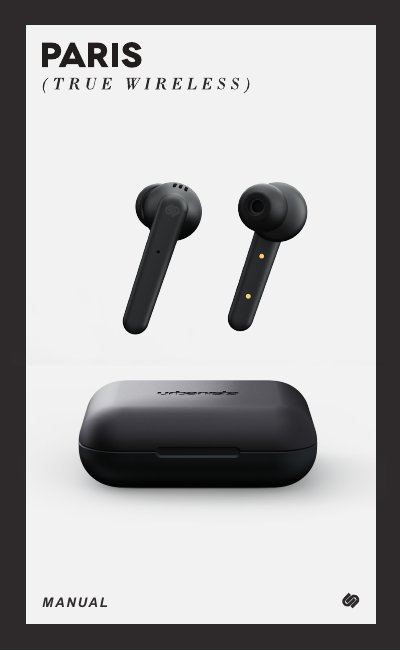
This manual explains how to pair, reset, charge, and operate Urbanista Paris true wireless earphones using the touch controls on the left and right earphones. It also covers call handling, music playback, volume and track control, voice assistant use, charging case battery indicators, and low-power warnings.
The document includes warranty terms, safety instructions, and multilingual sections, including English and Spanish.
| Low-power warning playtime | 15 minutes |
|---|---|
| Warranty period | 1 year |
| Microphone | Dual mic in right and left earbuds |
Place the earphones in the charging case and remove them, hold them close together, select "Urbanista Paris R" in Bluetooth settings, and accept the pairing request for "Urbanista Paris L".
Turn the devices off, long press for 8 seconds until the LED stays on, then quickly double-click the touch panel on both earbuds within 3 seconds.
Touch the logo twice on the left (L) earphone.
There is a beep and 15 minutes of playtime remain before the earphones power off automatically.