
The NiceComfort 35 is a pair of headphones that feature a comfortable design, active noise cancellation, excellent sound quality, long battery life, and easy operation.
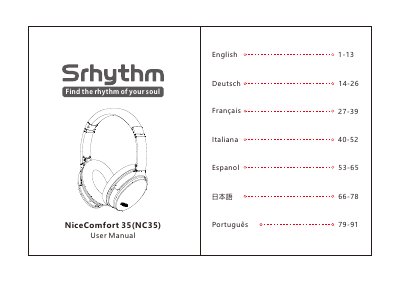
This document is the English user manual for the Srhythm NC35, also labeled NiceComfort 35 (NC35), Bluetooth headphones. It begins with safety and hearing warnings and lists the supplied items, including a carry case, Type-C charging cable, audio cable, airplane adaptor and 3.5 mm to 6.35 mm piano adaptor.
The manual explains ANC and Bluetooth operation, easy pairing and pairing a second device, music and call controls, wired mode, voice dialing, wearing adjustments, LED indicator meanings, charging and airplane adaptor connection. It ends with technical specifications and a Q&A section.
| Product name | Srhythm NC35 |
|---|---|
| Bluetooth version | V5.0 |
| Bluetooth range | 10m/33ft |
| Battery capacity | 1000mAh |
| Use time | 50 hours |
| Charging time | About 1-2 hours |
| Driver diameter | Φ40mm |
| Impedance | 32 Ω |
| Frequency response | 20–20KHz |
| Net weight | 180g |
| Waterproof rating | IPX4 |
| Input | 5V-12V |
Hold the Multi-function Button for 3-5 seconds to turn on Bluetooth and enter pairing mode, then select "NC35" on your phone.
Press the ANC Button to turn Active Noise Cancellation on or off; the LED indicator light is green when ANC is on.
No. The manual says not to use the headphone while charging.
The charging time is about 1-2 hours.