
This manual provides instructions on how to use the Anker Nebula Mars II V04 projector.
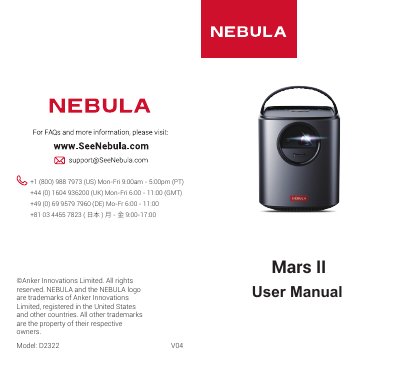
The Anker Mars II D2322 is a portable projector with a built-in battery, auto-focus, and keystone correction. It includes HDMI, USB, and audio outputs, and supports Bluetooth speaker mode as well as wireless screen mirroring via the Nebula Connect app.
The manual provides safety instructions, placement guidelines, remote control usage, network and Bluetooth setup, projector image settings, app management, and system maintenance options such as cache clearing and software updates.
| Projection Distance | 1 m to 3 m (39.4" to 118") |
|---|---|
| Auto Focus | Supported |
| Keystone Correction | Auto and manual |
| Battery | Built-in rechargeable battery |
| Power Supply | Provided power adapter |
| Remote Control | Included with batteries |
| Laser Safety Class | Class 1 Laser Product |
Slide down the lens cover to power on automatically, or press the power button on the remote control.
The projector should be placed between 1 meter (39.4 inches) and 3 meters (118 inches) from the projection surface.
Go to Settings > Network on the home menu and follow the on-screen instructions to complete the wireless connection.
Yes, press the Bluetooth button on the projector to enter Bluetooth speaker mode, then pair your smartphone via Bluetooth.