
The DC80480DM050_1010_0X(T/C/N) is a 5.0 inch 800*480 resolution medical grade human machine interface that uses a DA128 single chip and supports RS232/TTL, LUA scripting, video and other functions.
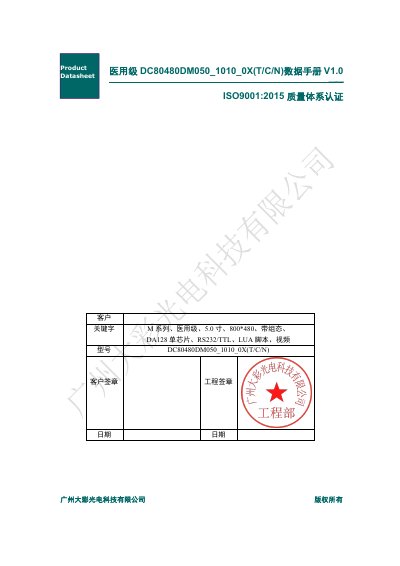
This document is a product datasheet for the DCOLOUR DC80480DM050_1010_0X series of medical-grade serial screens. The device is a 5.0-inch TFT LCD module with a resolution of 800x480, designed for industrial and medical applications requiring high reliability. It supports RS232 and TTL communication protocols and features a built-in DA128 ARM9 SOC processor running at 400MHz. This manual is written in Chinese.
| Display Size | 5.0 inch |
|---|---|
| Resolution | 800*480 |
| Processor | DA128, 400M ARM9 SOC |
| Operating System | None (runs on power-up) |
| Communication Protocol | RS232/TTL |
| Communication Baud Rate | 1200~921600bps |
| Storage Capacity | 128Mbit |
| Operating Temperature | -20~+70℃ |
| Storage Temperature | -30~+80℃ |
| Touch Types | Resistive, Capacitive, or None |
The operating temperature range is -20 to +70 degrees Celsius.
Yes, it supports 5.3 version LUA scripts for running user-defined logic, protocols, and algorithms.
The device is available with resistive touch, capacitive touch, or no touch options.