
This document describes the features and使用方法 of the DMS-500教学研究型介电温谱仪 from Partulab Technologies, Inc.
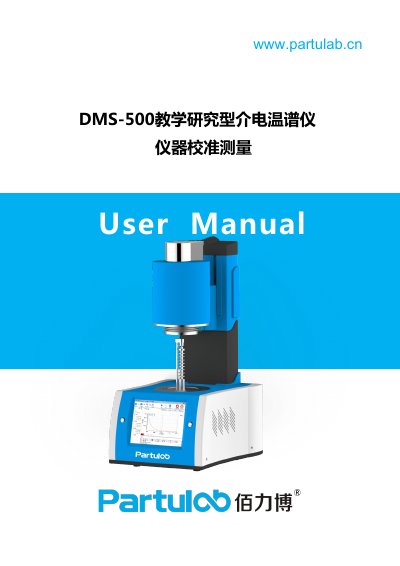
This user manual covers calibration and measurement (仪器校准测量) for the Partulab DMS-500 teaching and research type dielectric temperature spectrometer (教学研究型介电温谱仪). It explains how to start the DMS-500 measurement software from the desktop shortcut and how to operate the spring-loaded upper electrode, which can be raised or lowered by pulling the spring rod to hold the sample.
The calibration section describes raising the furnace chamber by long-pressing the UP button to access the fixture, then performing open circuit (OPEN) and short circuit (SHORT) calibrations, with progress bars shown until calibration succeeds. It also notes that load (LOAD) calibration and resistance/capacitance verification values cannot be displayed on the instrument itself and must be checked via the DFMS-change Temp or IFMS-change Temp functions. The final pages list Partulab's service and contact information. This manual is written in Chinese.
Long-press the UP button and the furnace chamber rises slowly; release once it stops moving. After placing the sample, lower the chamber the same way.
The furnace will not heat up if it has not been lowered before starting a high-temperature measurement.
Click RESET in the calibration interface, then click OK when the system prompts "Do you Reset WK4100?" to restore factory defaults.
Place an insulator on the fixture so the upper and lower electrodes are separated, then click OK to start the open circuit calibration and wait for the progress bar to finish.