
The SPM810 is a Full HD media player with a built-in High Definition Digital TV Tuner. It can play various formats of video, music and picture files and supports multiple connectivity options.
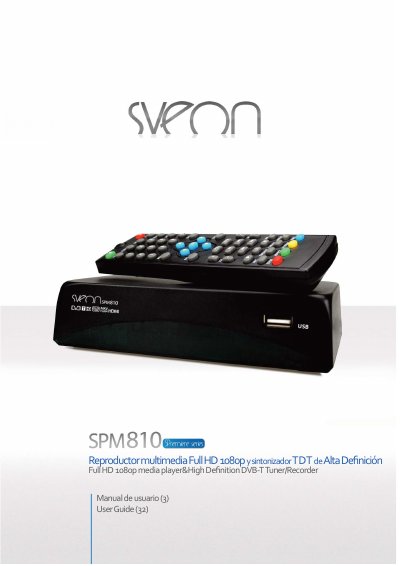
This is the Spanish-language user manual (Manual de usuario) for the Sveon SPM810, a Full HD 1080p media player with a built-in High Definition DVB-T tuner and recorder. The manual explains how to connect the unit via HDMI, Euroconector, coaxial or antenna, install the remote control batteries, and run the first-time setup with automatic or manual channel search.
It also describes the multimedia player for USB storage devices, TV channel viewing features such as EPG, Teletext and subtitles, the configuration menus, recording functions including TimeShift and background recordings, system updates, troubleshooting and the technical specifications. This manual is written in Spanish.
| Video resolution | 576i, 576p, 720p, 1080i |
|---|---|
| Max supported disk capacity | Up to 3TB via USB Host |
| USB port | USB 2.0 Host |
| Subtitle formats | Srt, Sub, Smi, UTF-8 |
| Partition support | FAT, FAT32, NTFS |
| Video files | VCD, SVCD, KVCD, MPEG-4, VOB, XVID, AVI, M2TS, MP4, MKV and others |
| Audio files | WMA, MP3, AC3, E-AC3 |
| Photo files | JPG, BMP, PNG |
| Remote control range | 5 meters, up to 60 degrees |
| Connections | Euroconector, HDMI, Coaxial, Antenna |
Yes, the HDMI connection includes both audio and video signal in the same cable, so no additional connections are needed.
Yes, it can record one channel while watching another, as long as both are on the same frequency.
Connect a USB storage device to the front USB Host port, then select the USB menu and Multimedia section to play the stored files.
TimeShift is the pause-live-TV function, which allows recording while the broadcast is paused.